

Tapping is Safer Than Typing: Why Your Mobile Wallet is Your Best Bodyguard
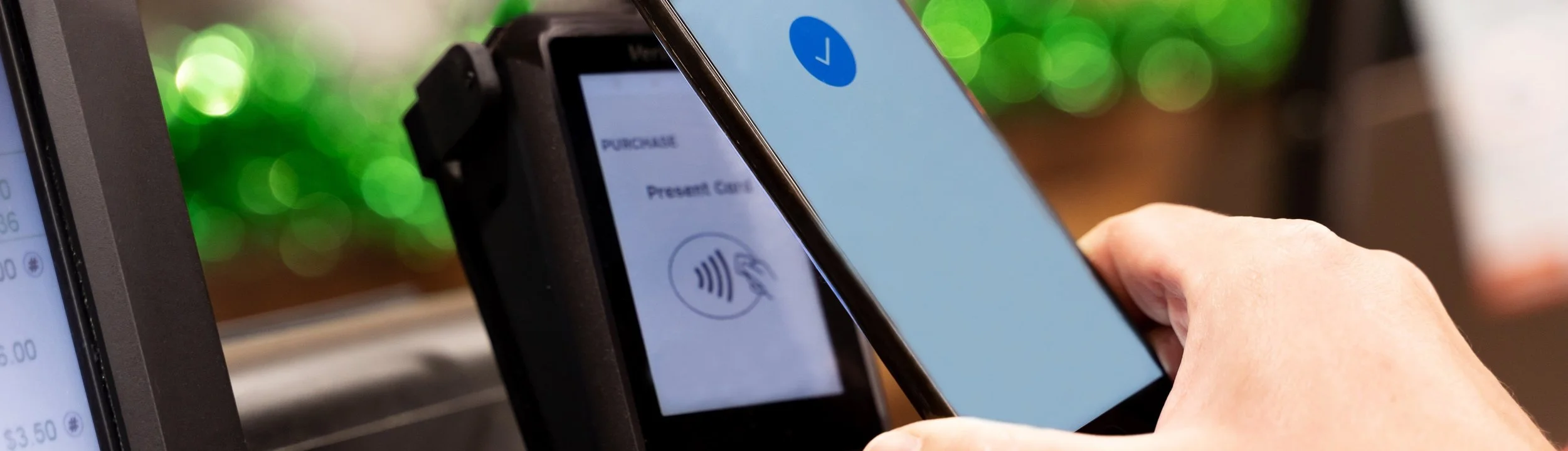
Have you ever watched someone tap their phone in a store and wondered about the security of doing that?
It’s a fair question! But the truth might surprise you: Tapping your phone is actually much safer than using a plastic card or entering your info into dozens of different store apps.
The Problem with "App Overload"
Every time you download a store app and save your credit card information, you’re creating a "digital footprint." Although apps are required to comply with strict protocols to protect consumer data, your information could still be at risk. If that store has a data breach, your actual card number is sitting right there in their system. The more apps you use, the more doors you leave open for hackers.
The Secret Weapon: Tokenization
Mobile wallets (like Apple Pay, Samsung Pay, or Google Pay) use a high-tech shield called tokenization.
In simple terms, tokenization replaces your real card number with a "token"—a random string of numbers and letters that has no recognizable relationship to your card data. Think of it like using a valet key for your car. It lets the driver move the car, but it won’t open your glovebox or trunk. Even if a hacker stole that "token," it would be useless to them because it isn't your real account number and it can't be used again.
Why Tapping Wins
· No Card Shifting: You aren't exposing your physical card to skimmers at payment terminals.
· Biometric Security: Your phone requires your face, fingerprint, or passcode to authorize the payment. Your plastic card doesn't!
· Centralized Control: You keep your data in one secure vault (your phone) rather than scattering it across twenty different retail apps.
What would happen if you lost your plastic card while on a trip? You would either turn it off in your mobile app, hoping you find it, or you would report it stolen and be without your card for the rest of your trip. If you lose your phone while out of town, you can go to the phone store, purchase another one and gain access to your mobile wallet on the new phone. Or, you could use your smart watch.
This is something to think about if you plan to travel for Spring Break. Add your plastic cards to your mobile wallet before you go, and leave your plastic cards in your wallet or purse until you absolutely need them.